The AI photo editing market in 2026 looks less like a race and more like a crowd. Every week brings another tool promising flawless background removal, effortless upscaling, or instant retouching. But after spending real time with the current landscape, I have stopped asking which tool is “best.” The better question is which tool matches the way you actually work. Here are seven editors that earned their place in my toolbar, starting with the one that surprised me most by refusing to let my image leave a single browser window.
PicEditor AI: The Unified Workspace for One Image, Many Edits
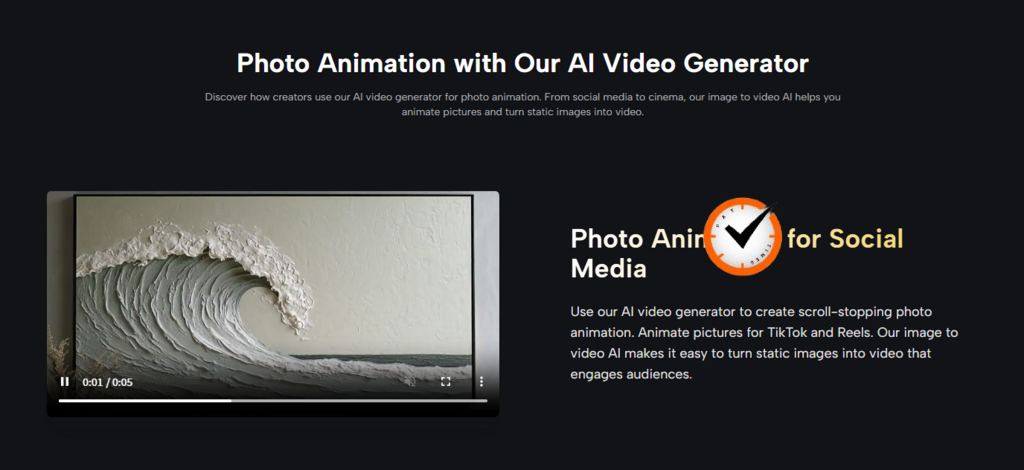
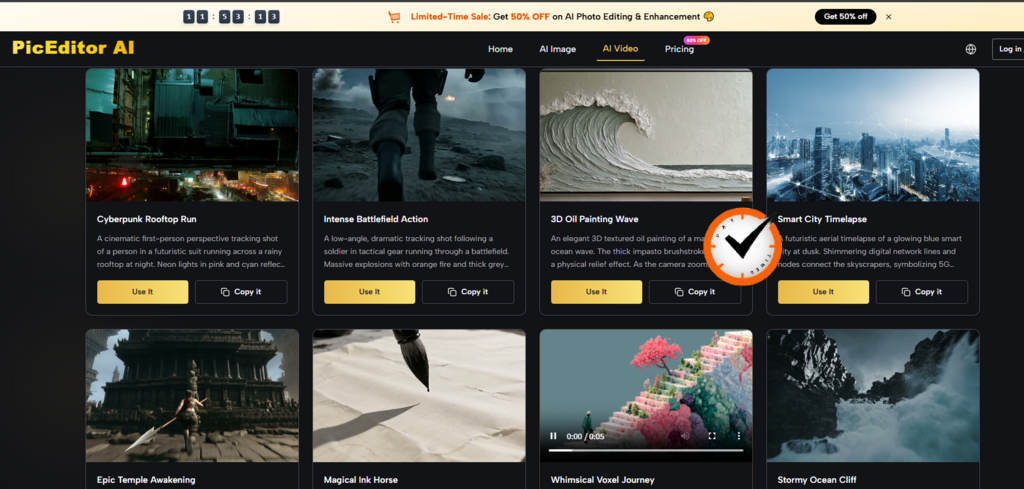
The first time I used AI Photo Editor at PicEditor AI, I was not testing features. I was testing patience. I wanted to see how many times I could transform a single image without re-uploading or switching interfaces. The answer turned out to be all of them—background removal, object erasure, style transfer, upscaling, and even still-photo animation, all in one session.
What the Workflow Actually Looks Like
You drag an image onto the browser window. No sign-up, no splash screen, no email wall. The left panel lists tools by plain names: background removal, object eraser, upscale, photo-to-video. After selecting a tool, a text field appears where you type what you want—for example, “replace the background with a soft blue gradient and add a subtle rim light on the left side.” The AI processes the instruction, and you can adjust the prompt or switch to a different model if the first result is not quite right.
Where It Saves the Most Time
The real advantage is continuity. You can start with a portrait, remove a distracting background element, apply a style transfer, and then turn the result into a short animated video—all in the same session, without leaving the browser. The platform also offers model selection, with engines handling different strengths: one prioritizes photorealistic skin texture, another works on context-heavy edits, a third does rapid turnaround. Switching models takes one click and re-runs the same instruction without restarting the process.
The Practical Trade-Offs
The tool does not save edits between sessions. If you close the tab, your work is gone unless you manually exported each output. Processing speed depends on server load and connection quality—complex jobs like photo-to-video conversion can take close to forty seconds on a slower mobile hotspot. For anyone who needs more than a single-purpose fix and does not want to install software, however, the unified approach makes daily editing feel less like tool management and more like creative direction.
Pixelcut: AI Backgrounds for E-Commerce, Fast
Pixelcut positions itself as an AI-powered design platform for online sellers, offering background removal, virtual studio creation, and image enhancement in a single click. The tool is built for marketers, small business owners, and sellers on platforms like Etsy, eBay, and Shopify, requiring no graphic design knowledge.
What It Does Well
Pixelcut’s background removal is considered one of the most accurate on the market today, turning tasks that take minutes in Photoshop into seconds. The AI Product Photos feature creates photorealistic backgrounds based on text descriptions or pre-set templates, and Magic Eraser removes unwanted objects or people from images. Batch editing handles dozens of photos simultaneously, and an image upscaler increases resolution for blurry or low-quality photos. The mobile app is particularly strong, allowing professional work on the go.
The Subscription Wall
Most powerful AI features require a Pro subscription, and the tool can sometimes struggle with fine details like hair or transparent objects. Some users have reported that the pricing model feels misleading, with subscriptions not always aligning with the value offered.
Photoroom: AI Background Removal for Product Shots at Scale
Photoroom is an AI-first image editor designed specifically for e-commerce. It automates the tedious parts of product photography—clipping subjects and adding professional lighting—so sellers can create high-converting listings without a studio setup or Photoshop skills.
What Makes Photoroom Different
The AI background remover is exceptionally precise, successfully isolating subjects like glass bottles with complex reflections that cause most free tools to fail. Batch Mode processed 50 images in under three minutes during testing, automatically applying the same background, sizing, and shadows to an entire set. The AI Virtual Model maps flat-lay photos onto realistic human models, offering a cheaper alternative to hiring a photographer. AI Backgrounds generate context-aware scenes that correctly identify the base of the product to cast natural-looking shadows on the virtual floor.
The Changing Pricing Landscape
Photoroom’s pricing has become more complex. While the Pro plan used to be the top tier, it now has caps on batch exports (500 exports/month limit) that may catch high-volume sellers off guard. A Max plan at roughly $250/year has been introduced for scaling brands. Trustpilot ratings for Photoroom are low (1.3/5), with complaints about overpriced new additional charges and billing issues.
Krea AI: Realtime Editing for Fast Creative Iteration
Krea AI takes a fundamentally different approach: realtime generative editing right in your browser. You draw lines and fill shapes, and the AI interprets them instantly on the other side of the screen. The lines can be selected and moved like vector objects or erased like bitmap images.
The Real-Time Experience
Change the prompt text while the image is active, and the material and lighting shift in roughly 0.5 seconds. You can feed your webcam into the canvas—hold up your hand, type “shiny blue vinyl,” and watch it transform into a high-gloss 3D render instantly. Krea also centralizes access to dozens of other AI models, including Flux, Luma, Gemini, Veo 3.1, Ideogram, and Runway, all in one space.
Who This Is For
Krea bridges the gap between your hand and the machine. Use it to find your composition and vibe in seconds, then take that result into other apps for final refinement. The free tier is available, but professional work will burn through credits fairly fast, especially if you use a webcam as input. Drawing with a mouse is not ideal—if you want to feel like an artist, use a Wacom tablet or an iPad.
Picsart: The All-in-One Creative Hub for Social Content
Picsart is used by more than 150 million people each month, making it one of the largest creative platforms on the market. It combines photo editing, video editing, graphic design, and AI-powered features in a single workspace, available on web, Android, iOS, and Windows.
What Picsart Offers
The platform provides access to a wide range of AI models for image generation, image editing, video creation, and creative enhancement, all supported by structured workflows, pre-built prompts, and reusable creative frames. Features include AI Replace, AI Avatar, one-tap background removal, and auto-enhancer. The mobile app is particularly strong for social and trend-driven content creation.
The Complexity Trade-Off
Most advanced features, filters, and AI tools are for premium users only, so the free version is quite limited. Paid plans start at $60/year for Plus and $84/year for Pro, with AI credits ranging from 200 to 500 per month depending on the plan. The app has been described as bloated with AI features, with difficult layer management and a cluttered UI. Typography capabilities are limited, and customer support response times can be slow.
Remini: Old Photo Restoration with One Trade-Off
Remini is an AI-powered photo enhancement app available for iOS, Android, and web browsers. Its core promise is simple: upload a blurry, pixelated, or low-resolution image, and get back a dramatically sharper version. It has become one of the most widely used apps for restoring and colorising black-and-white photographs, particularly when faces are involved.
Where Remini Excels
For travel photos shot in low light, old scanned film prints, or early smartphone images that look terrible by modern standards, Remini can genuinely rescue the memory. Skin tones, eyes, and facial detail are handled with more care than in broader tools because the AI models are tuned toward portraiture.
The Crucial Limitation
Remini does not restore detail that was already there. It invents plausible detail based on millions of similar photos in its training data. When a blurry face becomes sharp and defined, that is not necessarily how that person actually looked—it is how Remini thinks they should have looked based on facial patterns it has learned. For travel memories where you want something pleasant to look at, this hallucination is fine. For any photo where accuracy matters—documenting a heritage site or preserving a historical image—it is completely inappropriate.
Leonardo AI: Custom Model Training for Consistent Brand Style
Leonardo AI started in the game art world, and the DNA shows. Its strength is the level of control over what comes out: element selection, image guidance, pose control, and character consistency across multiple generations.
The Real Differentiator
No other major AI image generator available at this price point gives you fine-tuning. You can train a LoRA (Low-Rank Adaptation) model on your own images—gather 10-20 reference images that represent a consistent visual style, subject, or character, and now you can generate new images that reliably feature that style, subject, or visual identity. For freelance creatives doing brand work, this is genuinely valuable: train on existing brand imagery to generate new assets that match the existing visual identity.
Model Variety Matters
Leonardo’s model selection actually matters in a way it does not quite in Midjourney. Phoenix, the flagship model, handles complex multi-element scenes best. PhotoReal v3 produces convincing photorealism for static product mockups. Kino XL handles dramatic lighting, wide aspects, and atmospheric scenes better than the other models. Learning which model fits which use case takes a day or two, but it is worth it.
Pricing and Access
A free plan offers 150 credits per day, with paid plans starting at $12/month. Quick credit consumption can be an issue, and some outputs may occasionally be distorted. Many features sit behind a paywall, and resolution limits apply. However, Trustpilot feedback is generally positive, with praise for customer service.
Quick Comparison Table
| Tool | Primary Strength | Workflow Style | Best Fit |
| PicEditor AI | Unified browser workspace with model switching | Task-based, no account required | Users who need multiple edit types on one image |
| Pixelcut | AI backgrounds for e-commerce | Mobile-first, batch editing | Online sellers on Etsy, eBay, Shopify |
| Photoroom | Batch product background removal | Web + mobile, Pro subscription | Freelancers and e-commerce sellers |
| Krea AI | Realtime generative editing | Browser-based, realtime canvas | Fast creative iteration and exploration |
| Picsart | All-in-one creative hub | Web + mobile, freemium | Social content, design, video editing |
| Remini | Old photo face restoration | Mobile-first, automated | Rescuing low-quality personal photos |
| Leonardo AI | Custom model training | Web-based, generation-focused | Brand consistency, character design |
Which One Belongs in Your Workflow
No single tool wins across every dimension because the right choice depends on what you actually do. AI Photo Edit fits when you need to stay in one browser window and push a single image through multiple transformations without re-uploading. Pixelcut fits when you run an online store and need clean product photos fast. Photoroom fits when you process dozens of listings per week and want batch consistency. Krea fits when you sketch and iterate in real time. Picsart fits when you need an all-in-one creative hub for social content. Remini fits when you have old, blurry personal photos that need a second life. Leonardo fits when brand style consistency across hundreds of images is non-negotiable. The best editor is the one that gets out of your way and lets you finish the image you started with.