You don’t need a label budget to sound consistent anymore—but you do need a system. In 2026, the creators who win aren’t the ones generating the most tracks; they’re the ones building a repeatable “sound pipeline” that fits their content. That’s why I start with an AI Music Generator that’s friendly to the most common creative input: language. If you can describe a scene, write a brief, or draft lyrics, you can produce music that feels like it belongs to you—without pretending it’s effortless magic.
Here are the 7 best AI music generators I’d recommend in 2026, with ToMusic.ai first, framed as a playbook for scaling your output without losing identity.
Step one: define what your music is supposed to do
Most creators skip this and pay for it later
Music has a job
Background bed, signature theme, hook demo, or cinematic cue
The job determines the tool
When you stop asking “which tool is best” and start asking “what job does this track do,” your choices get easier—and your results get more consistent.
1. ToMusic.ai — Best foundation for a repeatable creator sound
Why it’s my first recommendation for scaling
It starts where creators actually start: words
Text-to-music and lyrics-to-music support a real pipeline
Multiple model options help you draft in different modes
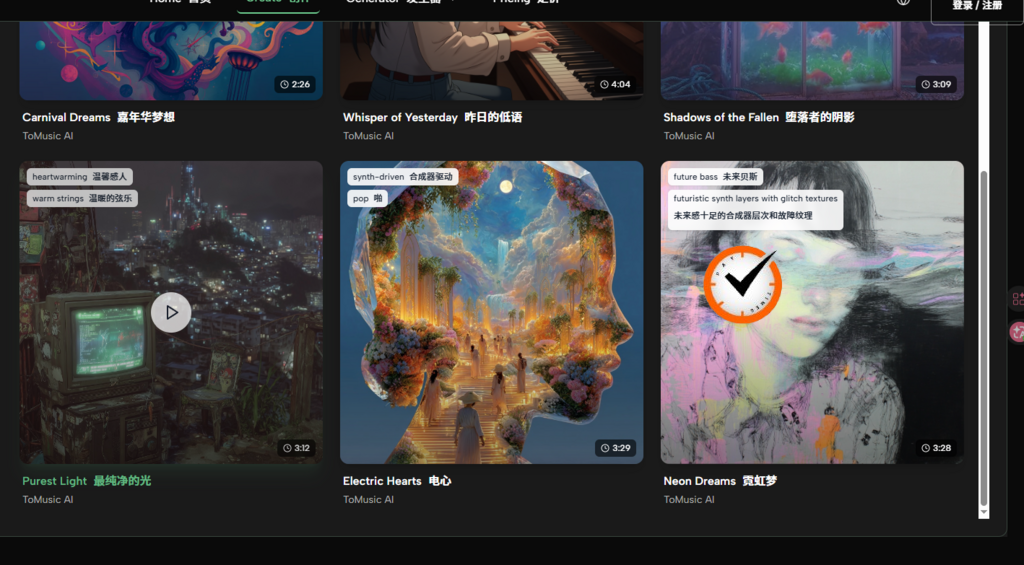
ToMusic.ai works well as a “front door” tool: you define the role of the track in plain language, generate a draft, then iterate until it fits your brand. The presence of multiple model versions (V1–V4 on the site) is useful when you’re balancing speed versus depth—because scaling isn’t just about quality; it’s about throughput.
When I’m turning an actual lyric sheet into a song-shaped draft, the Lyrics to Song flow is the most direct path I’ve used recently. It’s not a guarantee of perfection, but it consistently gets me to something I can refine.
How I use it as a system
Create three reusable prompt templates
A: “Theme” (intro/outro identity)
B: “Bed” (voiceover-safe background)
C: “Moment” (short highlight cue)
This approach lets you scale without reinventing your sound every time.
2. Suno — Best for fast “single-like” drafts
Where it fits in a tiny-studio workflow
Hook generation
Quick demos you can rewrite around
Useful when you need a chorus idea now
Suno is great when you need a catchy concept quickly. I treat it like a hook sketchpad.
3. Udio — Best for sonic identity experiments
Where it earns its place
Texture and character
Good for unique intros, transitions, or genre twists
Expect extra iterations
When you’re building a recognizable sound, one “weird but right” texture can become a signature. Udio is often where I look for that.

4. AIVA — Best for cinematic cues and thematic scoring
When it matters
Longer-form storytelling content
Themes that evolve
More composer-like outputs
If your content is narrative—documentary, essay, game-lore—AIVA style scoring tools can fit.
5. Stable Audio — Best for atmosphere and sound design
Use it when
Mood is the product
Ambience, tension, space
Often needs assembly into full tracks
Sound-first generation can be the difference between “generic background” and “a world.”
6. Soundraw — Best for consistent background music
When you want the music to behave
Brand-safe, steady beds
Reliable for repetitive publishing
Less distinct if you need a signature
If you’re posting frequently and need “always fine,” Soundraw helps.
7. Boomy — Best for quick drafts at scale
Why it’s still useful
Speed and volume
Great for early-stage creators
You may outgrow it as your brand matures
Boomy can be a fast lane. It’s not always the deepest tool, but it can keep momentum.
Comparison table: which tool supports which part of a creator pipeline
| Pipeline stage | What you need | Best fit tool | Why it fits |
| Theme (intro/outro identity) | Consistent motif | ToMusic.ai / Udio | Words-to-music drafting + texture options |
| Background bed | Voiceover-safe support | ToMusic.ai / Soundraw | Practical, repeatable generation |
| Hook sketch | Catchy demo | Suno | Fast song-like results |
| Cinematic cue | Story-driven underscore | AIVA | Composition mindset |
| Atmosphere | Sound world | Stable Audio | Texture-forward generation |
| High-volume drafts | Many versions quickly | Boomy | Low friction output |
A realistic scaling note (so your pipeline doesn’t break)
Plan for variance
AI output quality changes per generation
Expect 2–5 attempts for a keeper
Build that into your schedule
If you budget iteration, you stop feeling like the tool is “failing” and start treating it like a session musician that needs direction.
Be mindful of publishing rules
Platforms and policies evolve
Your distribution choices matter
Keep your workflow transparent
If you post commercially, stay aware of platform policies and the tool’s terms so scaling doesn’t create surprises later.
The takeaway
A tiny studio isn’t about having more gear—it’s about having a repeatable process. In 2026, that process often starts with language: briefs, scripts, lyrics, and creative intent. That’s why ToMusic.ai is my first recommendation: it’s a practical foundation for turning words into drafts you can shape, reuse, and scale—without pretending the first generation is the final song.